
How to Log In to Your GMX Mailbox, on the Web and in a Mail App
October 20, 2026
BuyGMXAccounts Help· Customer support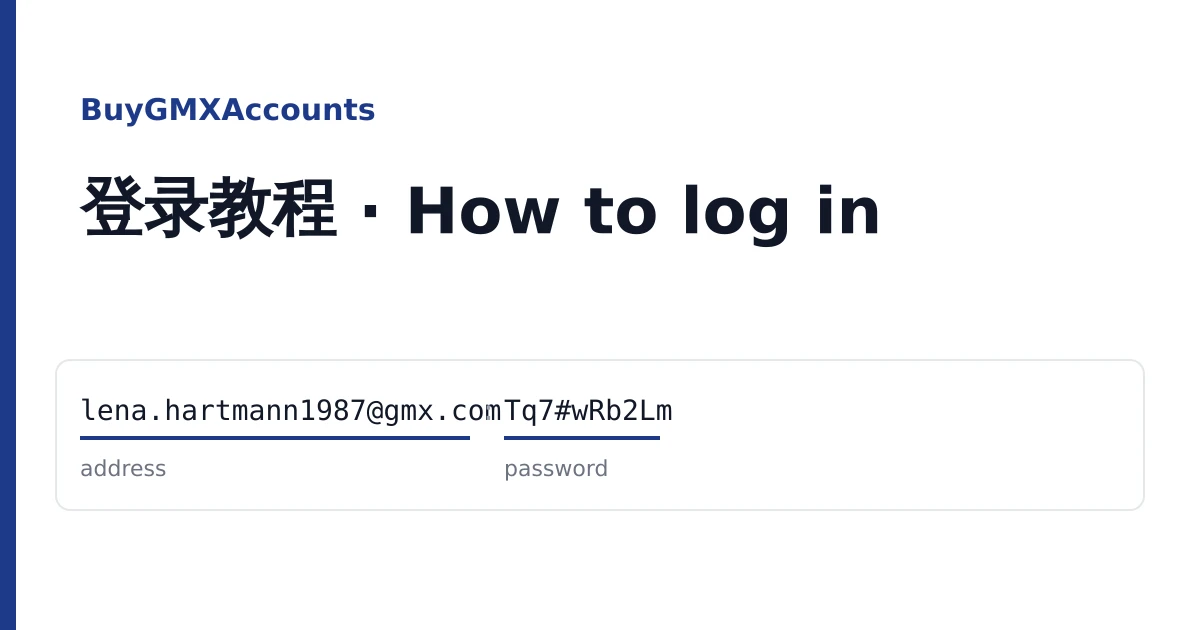
A GMX mailbox from this shop arrives as one line on your order page: the full address and its password. Open the order from your dashboard to copy the lines or download them as a text file. Store that file the way you would store any password list, because the line is all anyone needs to open the mailbox.
There is no 2FA key and no cookie file in a GMX delivery. That keeps sign-in simple, and it means the steps below are the only ones you need.
First, find the right front door
GMX runs several country sites, and an address signs in on the site of its own domain. Typing a gmx.de address into gmx.com is the most common reason a good password is refused.
| Your address ends in | Sign in at |
|---|---|
| @gmx.com, @gmx.us, @gmx.sg | gmx.com |
| @gmx.de, @gmx.net | gmx.net (the German GMX site) |
| @gmx.fr | gmx.fr |
| @gmx.ch | gmx.ch |
If one site turns the address away, try gmx.com before you report anything: it accepts most domains.
The line, field by field
A typical line looks like this (made-up values):
lena.hartmann1987@gmx.com:Tq7#wRb2LmEverything before the first colon is the address; everything after it is the password. Some batches put a semicolon or a vertical bar where the colon is:
lena.hartmann1987@gmx.de;Tq7#wRb2LmPasswords on these mailboxes often contain symbols such as #, $, ( or :. If the password itself seems to contain the separator, everything after the first separator is the password. Copy it whole and do not trim anything off the end.
Check it in the browser
- Open the site from the table above and choose to log in.
- Type the full address, including the part after the @.
- Paste the password and sign in.
- Open the inbox. A new mailbox usually holds only GMX's welcome letter; an older one, or one marked used in some services, may hold more.
GMX may show a page about its free plan, advertising or cookie choices before the inbox. Make your choice there and continue; none of it affects the account.
Add it to Outlook, Thunderbird or another app
On listings that say POP3, IMAP and SMTP are activated, outside apps can connect with the same password as the web. Choose manual setup in your app and use these values:
| gmx.com and most domains | gmx.de and gmx.net | |
|---|---|---|
| Incoming, IMAP | imap.gmx.com, port 993, SSL/TLS | imap.gmx.net, port 993, SSL/TLS |
| Incoming, POP3 | pop.gmx.com, port 995, SSL/TLS | pop.gmx.net, port 995, SSL/TLS |
| Outgoing, SMTP | smtp.gmx.com, port 587, STARTTLS | mail.gmx.net, port 587, STARTTLS |
| User name | The full email address | |
If the app connects but cannot log in, sign in on the web once more and open the settings for POP3 and IMAP access: the switch should be on. A few listings only name IMAP; on those, POP3 or SMTP may stay off.
Make the mailbox yours
When the inbox opens, go to the security settings and do two things:
- Change the password to one only you know. Any app you connected will need the new password too.
- Add a recovery email address you control, so you can reset the password later. GMX may also offer to add a phone number; that is your choice.
Go through every mailbox in the order this way while the warranty on the listing is still running. GMX's terms do not allow spam, and GMX can lock an account it suspects of abuse and ask for a phone check. Keep to its rules; we do not give advice on getting around them.
Messages you might see, and what to do
"Incorrect email address or password"
Check the sign-in site against the table first. Then copy the password again on its own and look for a stray space or separator at either end. After two tries, stop: repeated failures can block sign-in for a while.
The app says authentication failed, the web works
POP3 and IMAP access may be switched off on that mailbox, or the app is using the wrong server for the domain. Compare with the table above.
GMX asks for a phone number or a security check
Take a screenshot of the page and do not try to pass it with a number you do not own.
Reporting it
Open a ticket from your order page before the warranty window on the listing closes. Give the address, what you tried and the screenshot, and the mailbox is replaced. Mailboxes locked after bulk sending are not covered. To compare domains and ages for your next order, see the catalogue or the home page.